Ziggy Flows and Blocks

Ziggy Flows
Ziggy flows are a visual canvas for designing your data pipelines. Flows are made up of Ziggy blocks.
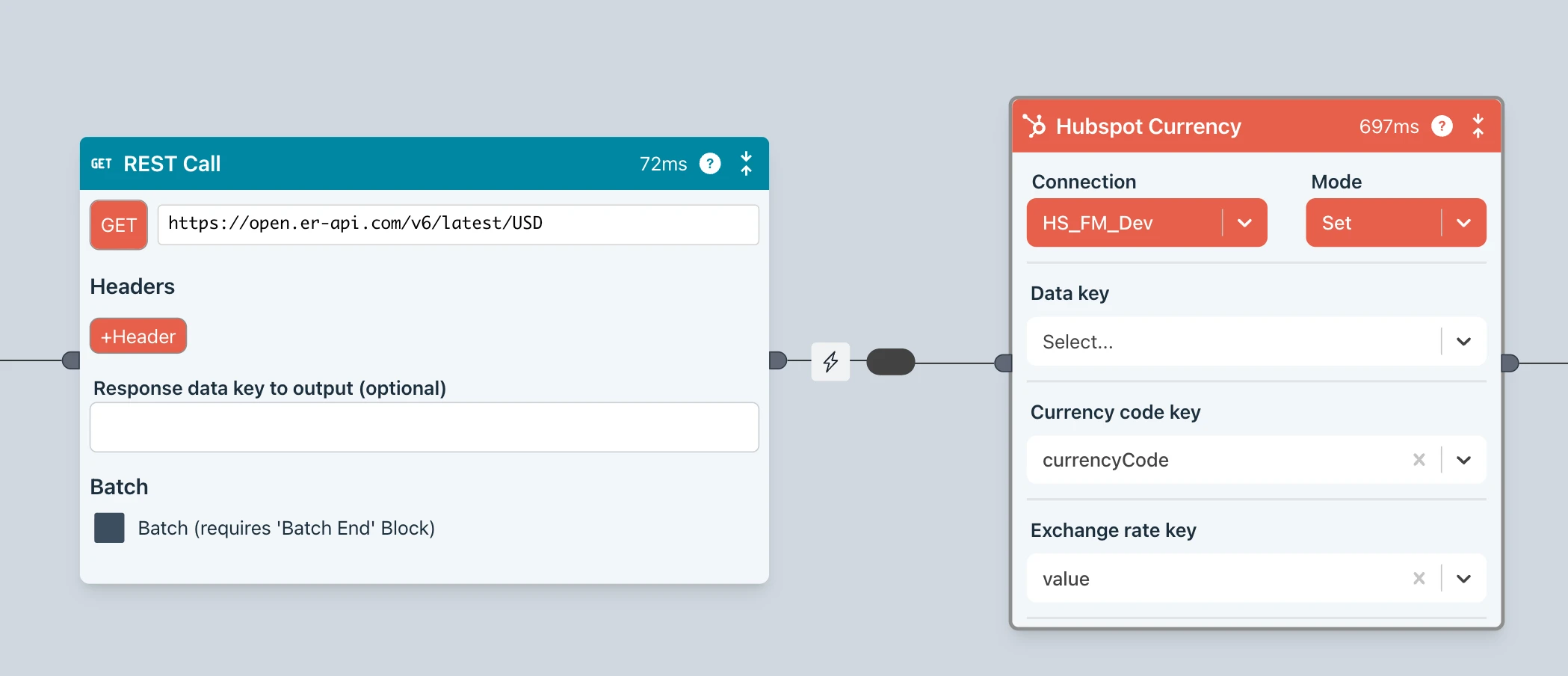
Simple Flows
This flow is all it takes to get exchange rates from an API, transform the data then finally update all exchange rates in HubSpot with the latest rates.
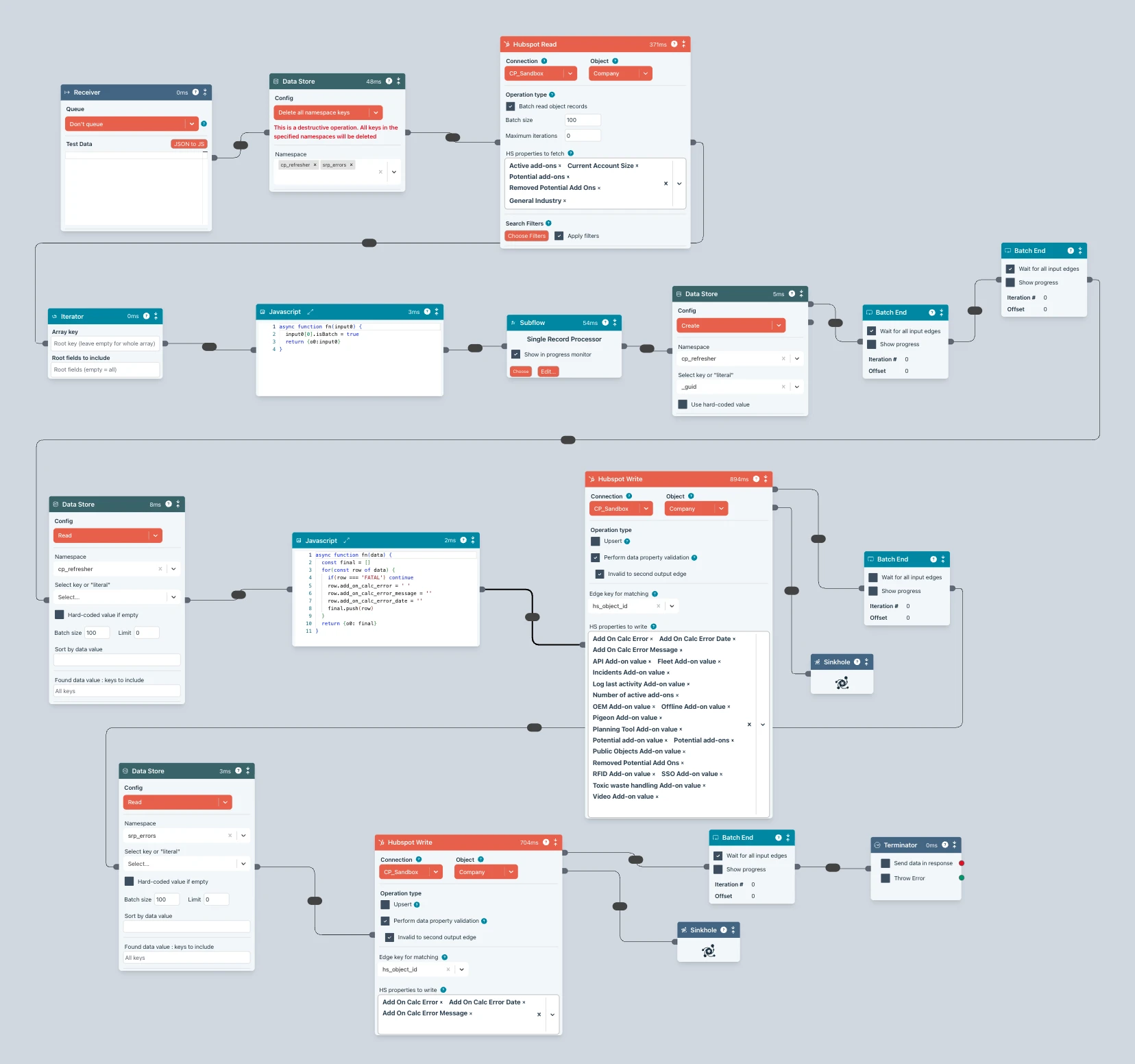
Complex Flows
Flows can get complex when you need them to. Create reusable subflows to keep things neat and tidy.
Ziggy Blocks
Each block does one thing and one thing only, which is what makes them so easy to use.

Block collections
A collection is a set of blocks that all address the same CRM, API, ERP, Database etc,
Below is the HubSpot collection.

Read
Read anything from HubSpot with batching, filtering, property selection

Write
Update, upsert any HubSpot object. Validation, batching, specify properties you want to update


Flow features
Flow Editor & Debugger
The drag-and-drop canvas for building your data pipelines. Everything can be visually debugged, including Javscript code in Javascript blocks.
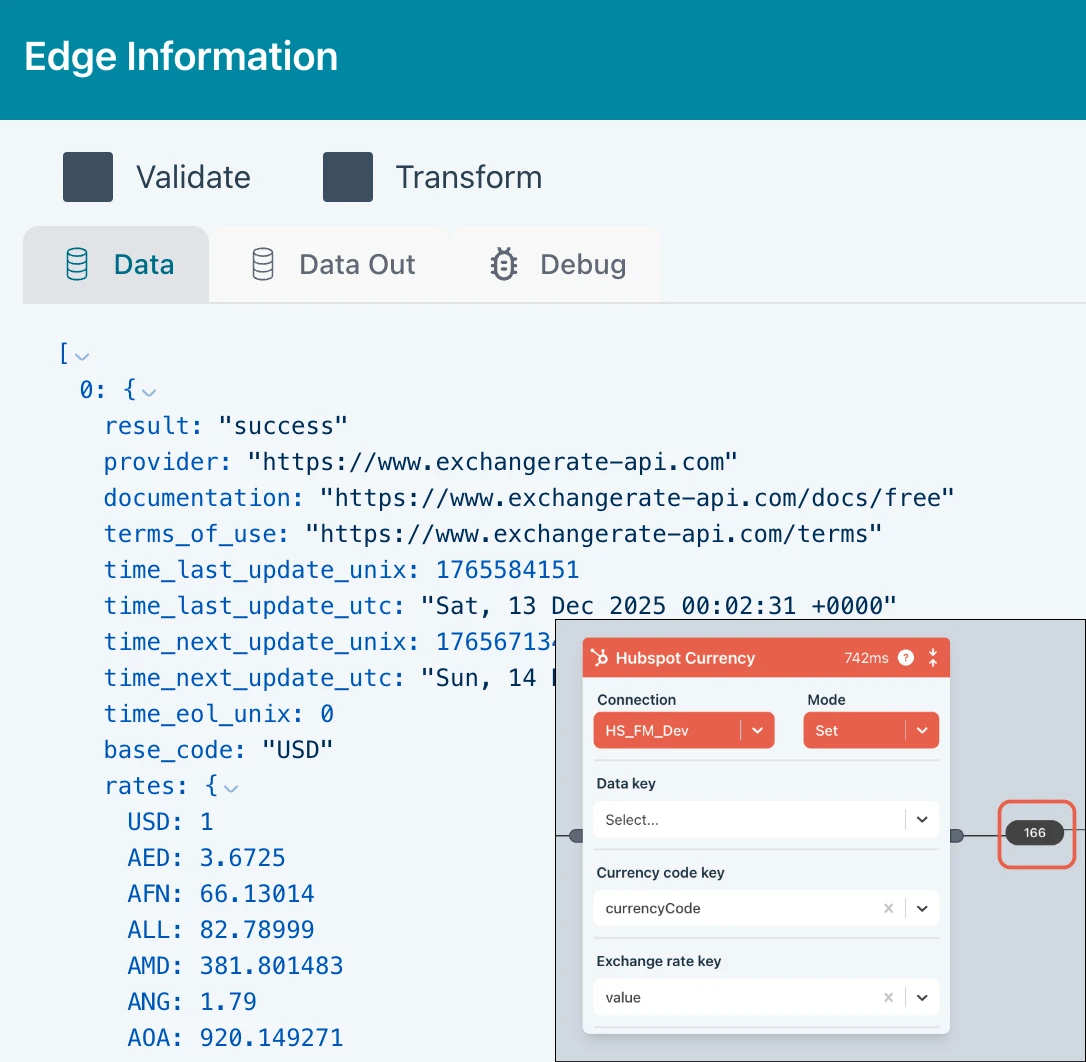
Edge Inspection
Click on any edge in the flow to inspect data. Great for debugging.
Data Validation and Transformation
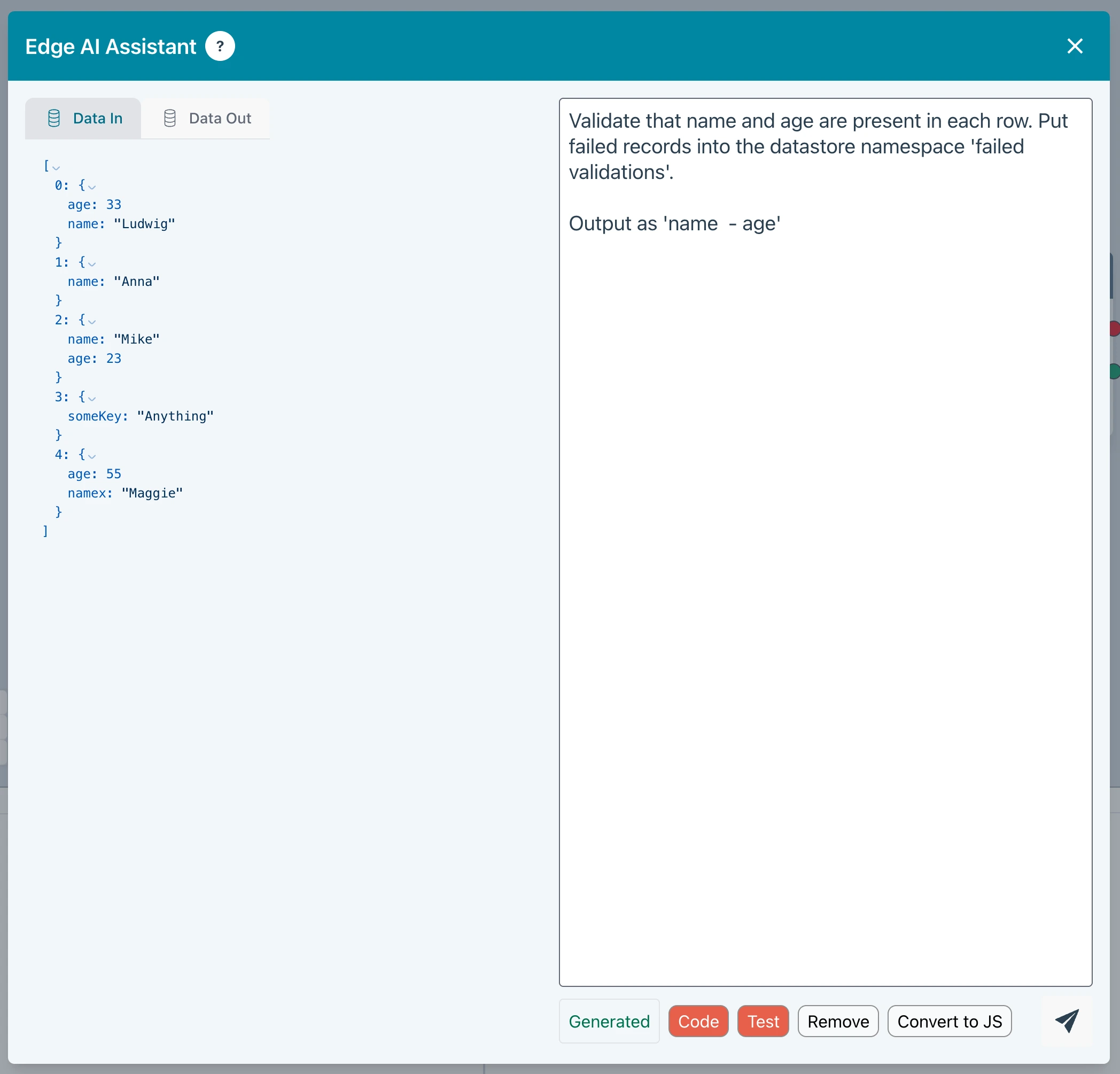
Ziggy offers several AI and dialog driven ways to validate and transform data in a flow
- AI Edge Transform
- Dialogs for reusable validations and mappings
- The AI supported Javascript block can cover simple cases and absolutely any edge case
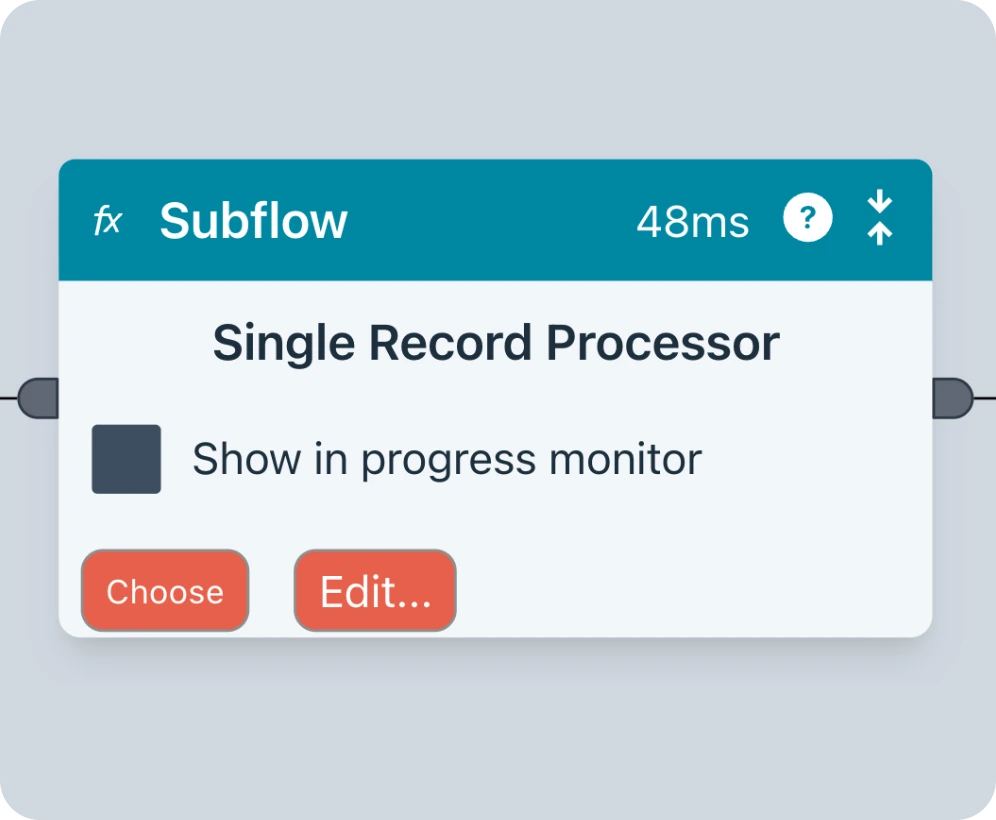
Subflows
Flows can be called from other flows, ensuring modularity and reusability.
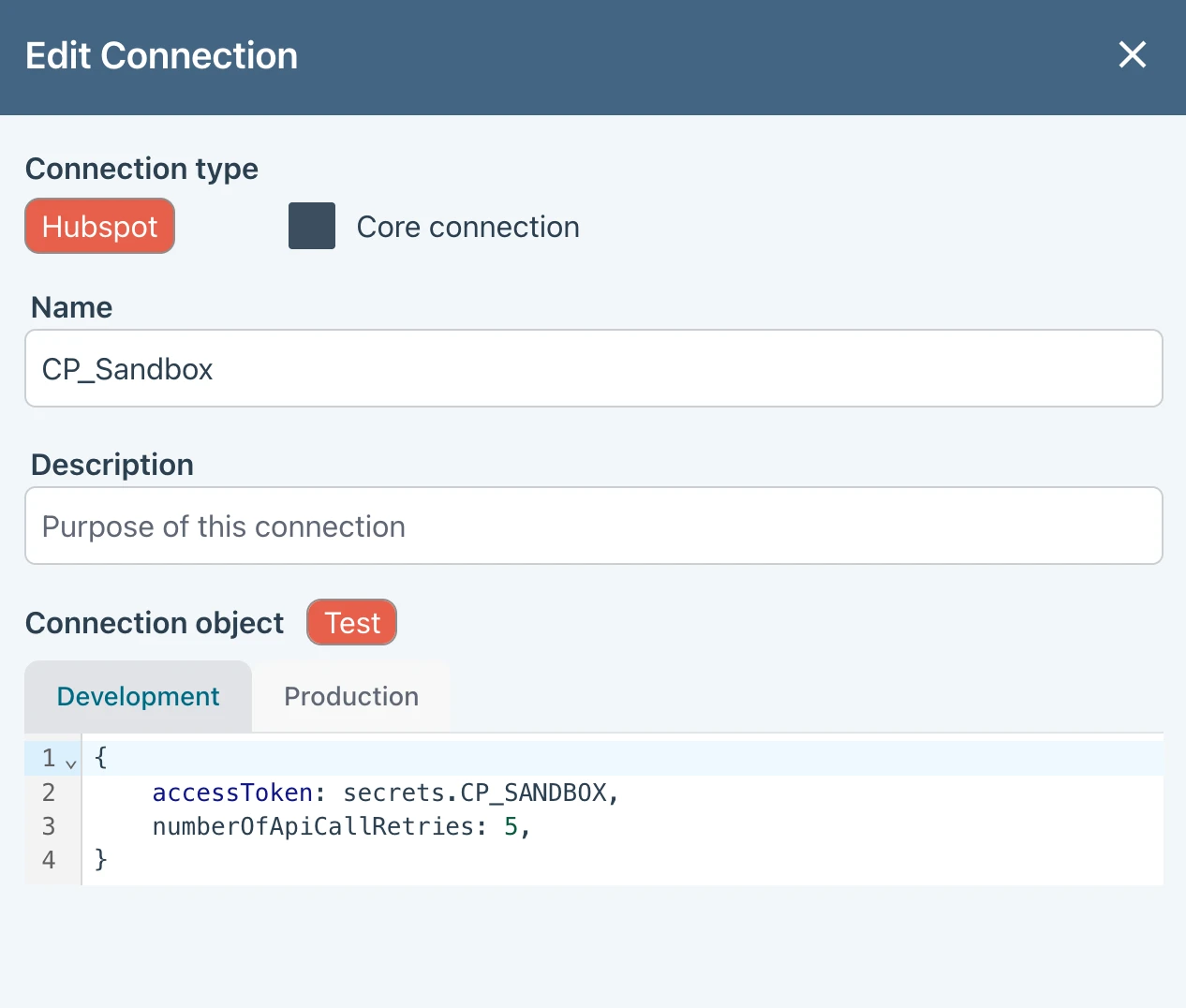
Development / Production
You can switch between development and production modes to address sandbox or test configurations when testing flows.
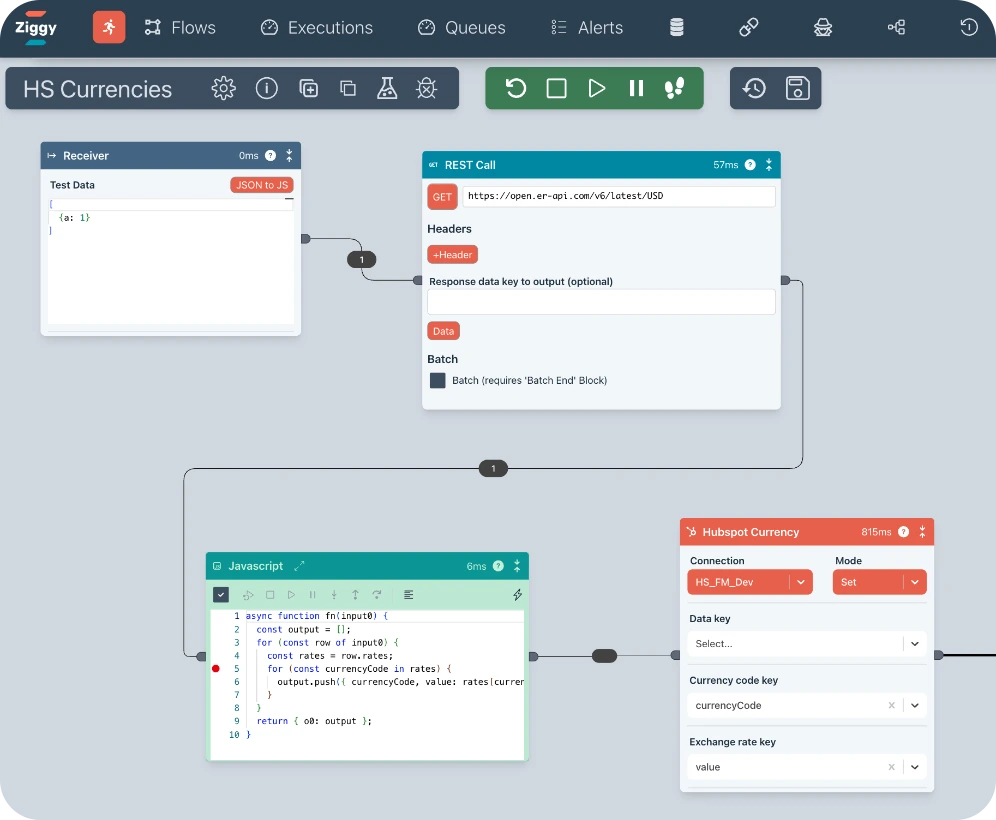
Flow Editor & Debugger
The drag-and-drop canvas for building your data pipelines. Everything can be visually debugged, including Javscript code in Javascript blocks.
Edge Inspection
Click on any edge in the flow to inspect data. Great for debugging.
Data Validation and Transformation
Ziggy offers several AI and dialog driven ways to validate and transform data in a flow
- AI Edge Transform
- Dialogs for reusable validations and mappings
- The AI supported Javascript block can cover simple cases and absolutely any edge case
Subflows
Flows can be called from other flows, ensuring modularity and reusability.
Development / Production
You can switch between development and production modes to address sandbox or test configurations when testing flows.